
Your postage and parcel tools.
Always to hand.
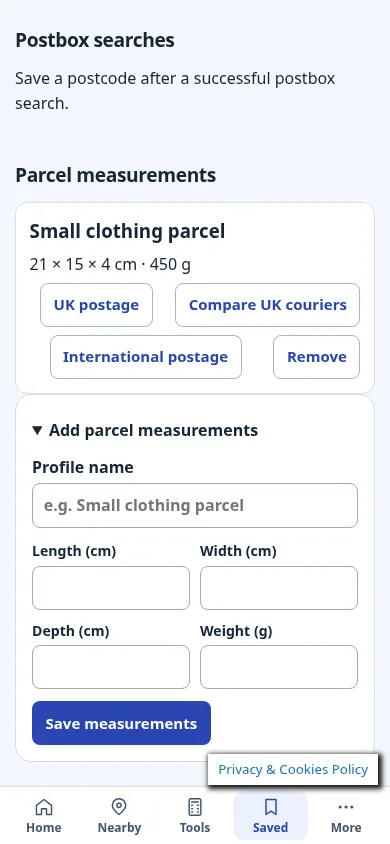
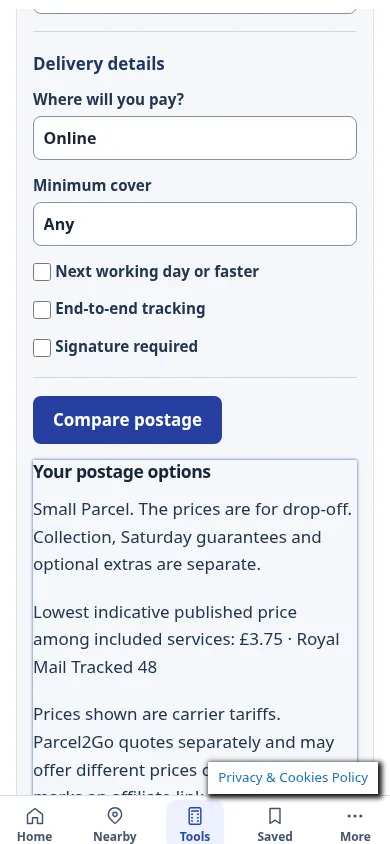
Find nearby postboxes, parcel shops and lockers. Save favourite parcel points and calculate postage from the free ParcelGuide app.
Open the free appFree to use. No account needed.
How to install
iPhone and iPad
- Open ParcelGuide in Safari.
- Tap Share, then Add to Home Screen. You may find Share in the page menu.
- Turn on Open as Web App if shown, then tap Add.
Android
- Open ParcelGuide in Chrome.
- Use the install button if it appears, or open the browser menu and choose Add to Home screen or Install app.
- Confirm, then open ParcelGuide from your home screen.
Desktop
- Open ParcelGuide in a supported browser such as Chrome or Edge.
- Use the install icon in the address bar or find the install option in the browser menu.
- Confirm to open ParcelGuide in its own window.

Install on your phone
Scan the code with your phone’s camera, then follow the installation instructions.
Use the tools you already know
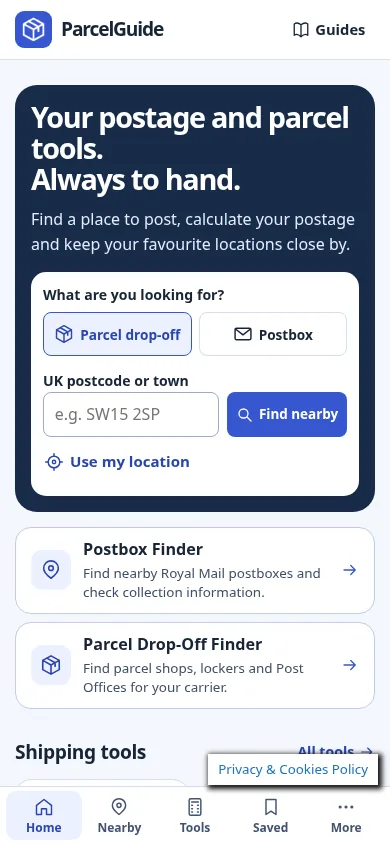
See the app in use
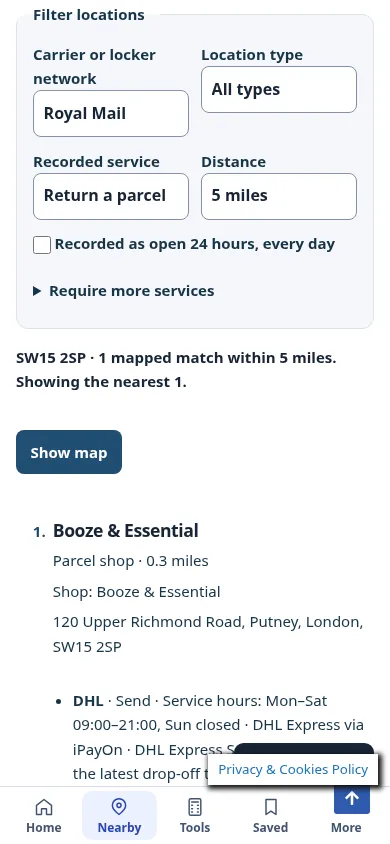
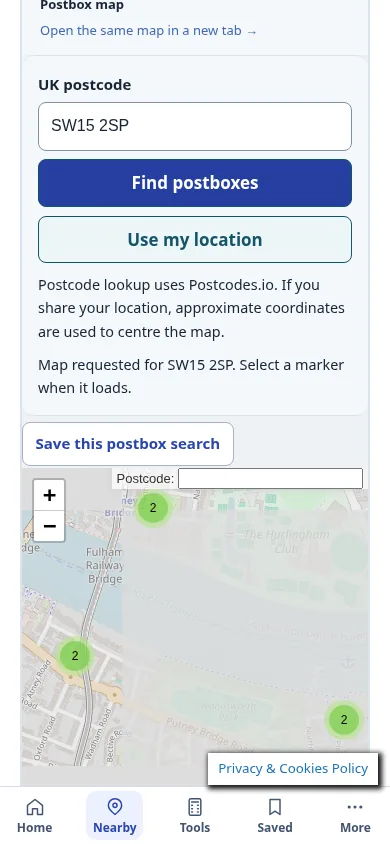
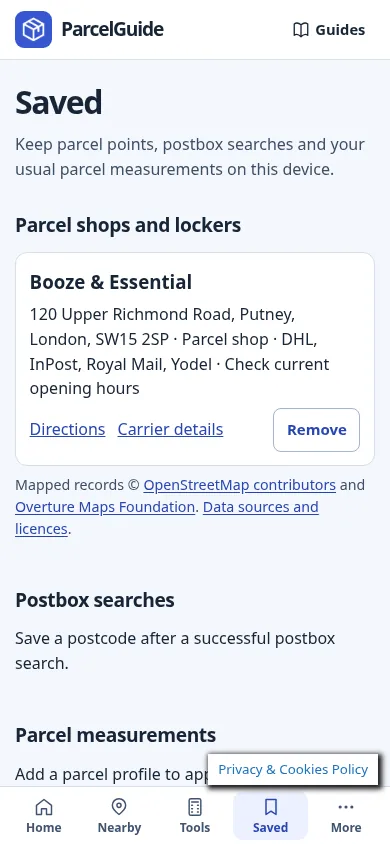
Questions about the app
Which parcel carriers can I find?
The shared finder includes mapped points for several networks, including Evri, InPost, Royal Mail and DPD. Coverage and recorded services vary by area and network. Check your label and the carrier’s finder before travelling.
Can I use it offline?
You can view saved measurements and previously saved parcel point details. Reconnect to check opening hours, search for locations, calculate current postage or open a guide.
How does the app stay up to date?
The app uses ParcelGuide’s published guides, location records and calculators. Updates to the website appear in the app when you next open or refresh the relevant view.
Where are my saved items kept?
Saved items stay in the browser or app on that device. You can clear them from app settings. The privacy policy explains location lookups and local storage.
Do I need an app store or an account?
The app is free. Install it directly through a compatible browser, with no account or app store download.